Open Codex settings
Open the client's MCP or connector settings and choose to add a remote server.

https://oakgen.ai/api/mcpOpen the client's MCP or connector settings and choose to add a remote server.
codex mcp add oakgen --url https://oakgen.ai/api/mcp
codex mcp login oakgenStart a new Codex session after adding and authenticating the server.
Use Oakgen to list text-to-image models.
One connection gives your agent the tools to discover models, price work, create media, check progress, and manage generations.

Turn a brief into polished media, then let your agent keep working with the result in the same conversation.
Search Oakgen's current catalog and choose the right model at request time. New options arrive without rebuilding your client setup.
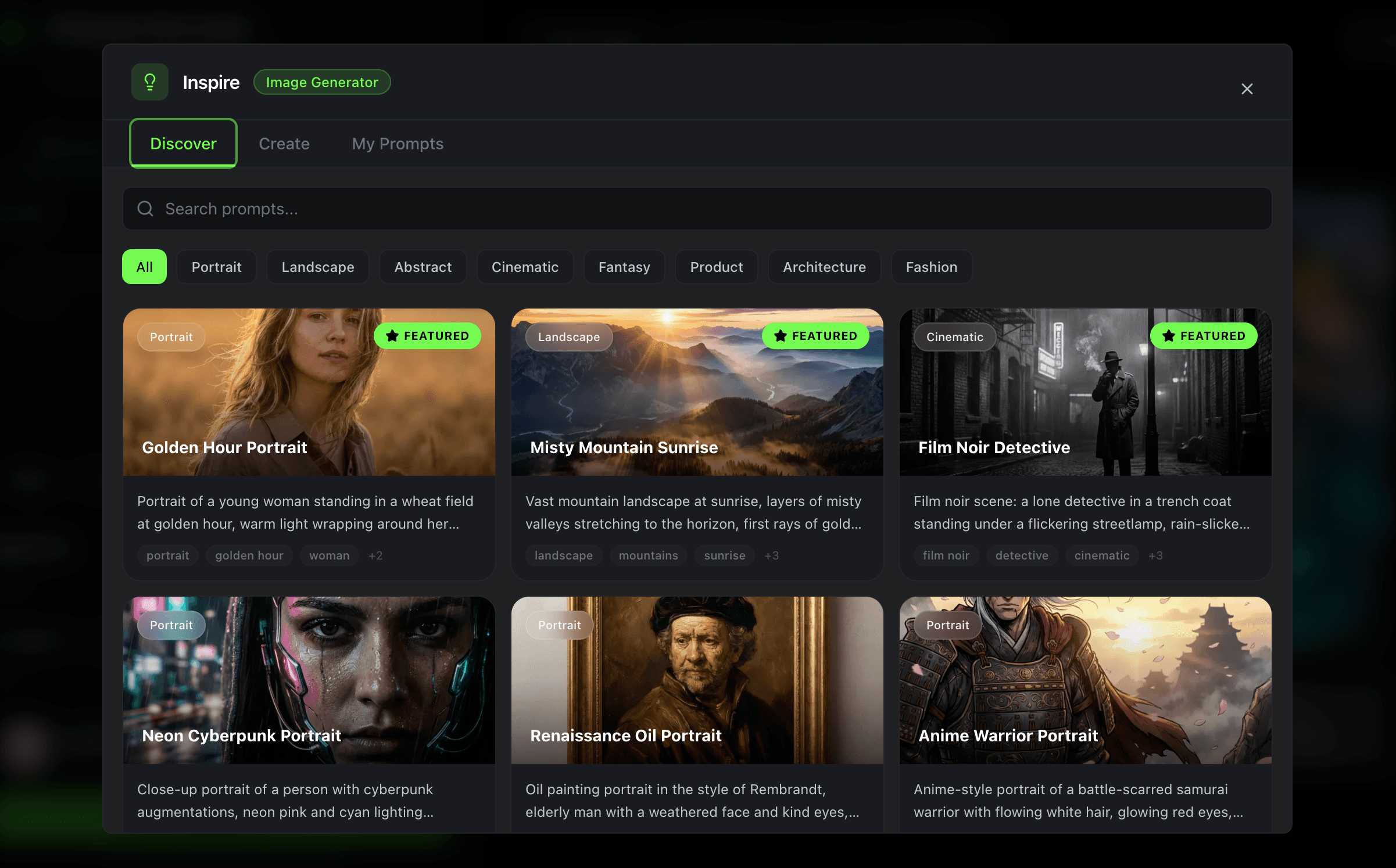
Use the same account, credits, generations, and controls you already rely on across Oakgen.
OAuth is recommended for supported clients. Personal keys cover manual and headless setups with explicit scopes, expiry, rotation, and revocation.
Generations use your existing Oakgen credits.
Cancellation remains available when the generation-start quota is exhausted.
Disconnected OAuth credentials and revoked personal keys are denied locally.
Creative workflow
Choose an outcome and see how one concise request moves through Oakgen's creative workflow.
Live result · Image generation
Four campaign directions, ready to compare in your workspace.

Choose a production path
Search image models, upload references, start jobs, and return assets to the agent conversation.
Open workflowChoose video models by inputs and price, then track long-running generation without duplicate requests.
Open workflowCarry approved claims, product references, and a controlled variation plan into production.
Open workflowStandardize briefs, model selection, pricing checks, generation, and review across client work.
Open workflowLearn the workflow
Plan a secure creative-agent workflow before you connect, automate, or scale production.
Understand tool discovery, pricing, durable jobs, status, cancellation, and assets.
Read guide SecurityReview scopes, credentials, approvals, asset handling, revocation, and audit controls.
Read guide ArchitectureChoose the right interface for conversational, automated, and human-led production.
Read guide WorkflowTurn a campaign brief into controlled concepts, approved variants, and tracked delivery.
Read guideConnect your agent to Oakgen and turn clear prompts into production-ready creative assets.
Connect Oakgen MCP