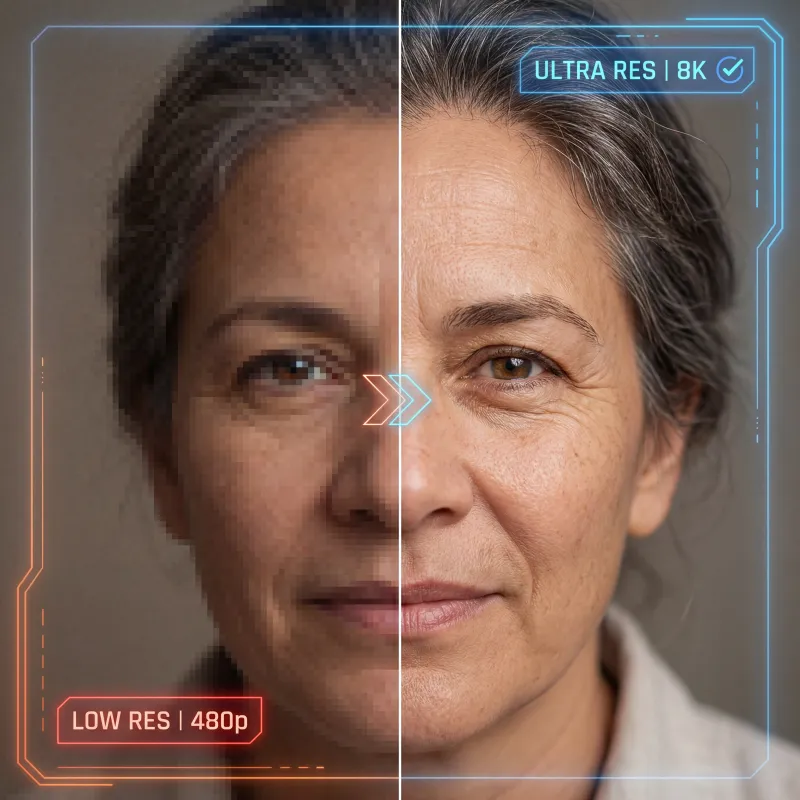
AI Image Upscaler
Upscale any image to 4K with AI — enhance image resolution, sharpen blurry photos, and increase image quality without losing detail. Drop in a low-res picture and our AI image upscaler rebuilds crisp edges, fine textures, and clean detail in seconds.
Upscale to 4K and beyond
Push images up to 4x their original size and into true 4K resolution. The AI reconstructs sharp edges and fine detail instead of just stretching pixels, so enlarged photos look natural, not blocky.
Enhance quality, not just size
More than a resize — the upscaler removes JPEG artifacts and noise, recovers lost texture, and sharpens soft focus, so a low-res source comes out clean, crisp, and ready to use.
Multiple AI upscaling models
Choose the right engine for the job — photo-realistic detail, illustration-friendly smoothing, or maximum-fidelity enhancement. Compare results and keep the upscale that fits your image best.
One workspace, one balance
Upscale, restore, edit, and generate side by side — no tool-hopping, no extra logins, all on one shared credit balance across the whole creative suite.
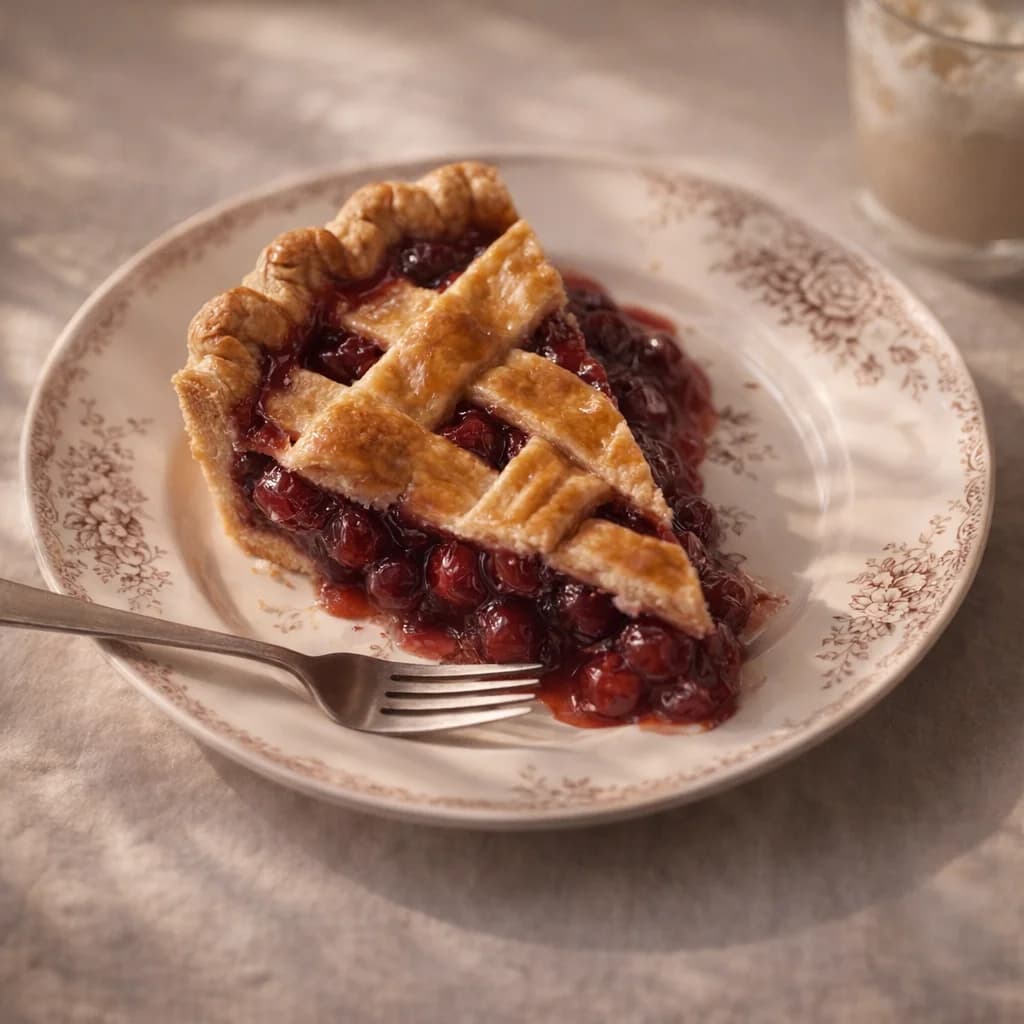
Sharper results, same image
Upscale images up to 16× clarity while keeping the original structure, composition, and lighting intact. Start from a photo or a render made in the AI image generator and bring out crisp detail without losing what made the shot work.
Upscale an image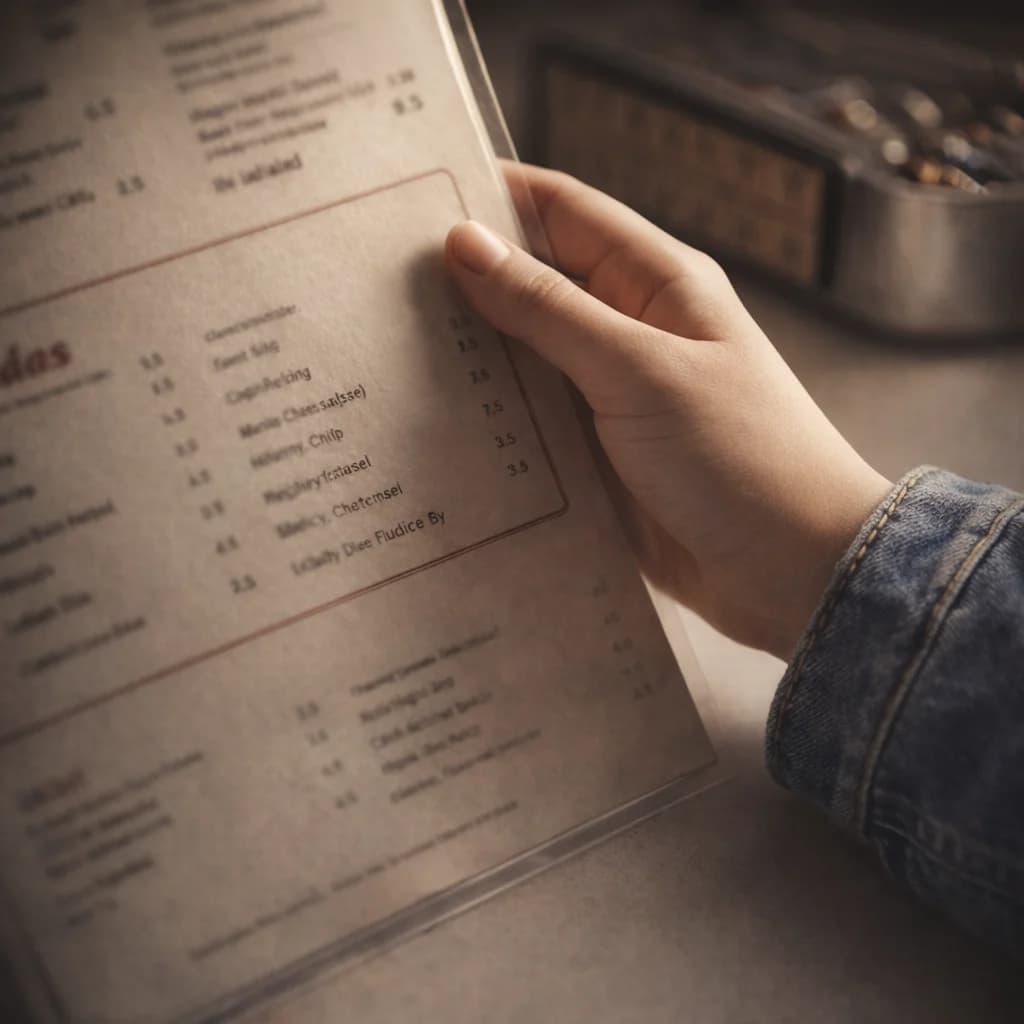
A creative upscaler, not just a resizer
More than a resolution bump — add bold texture and imaginative detail as you scale up. Push image quality to jaw-dropping levels and fine-tune every parameter for the result you have in mind.
Try the upscaler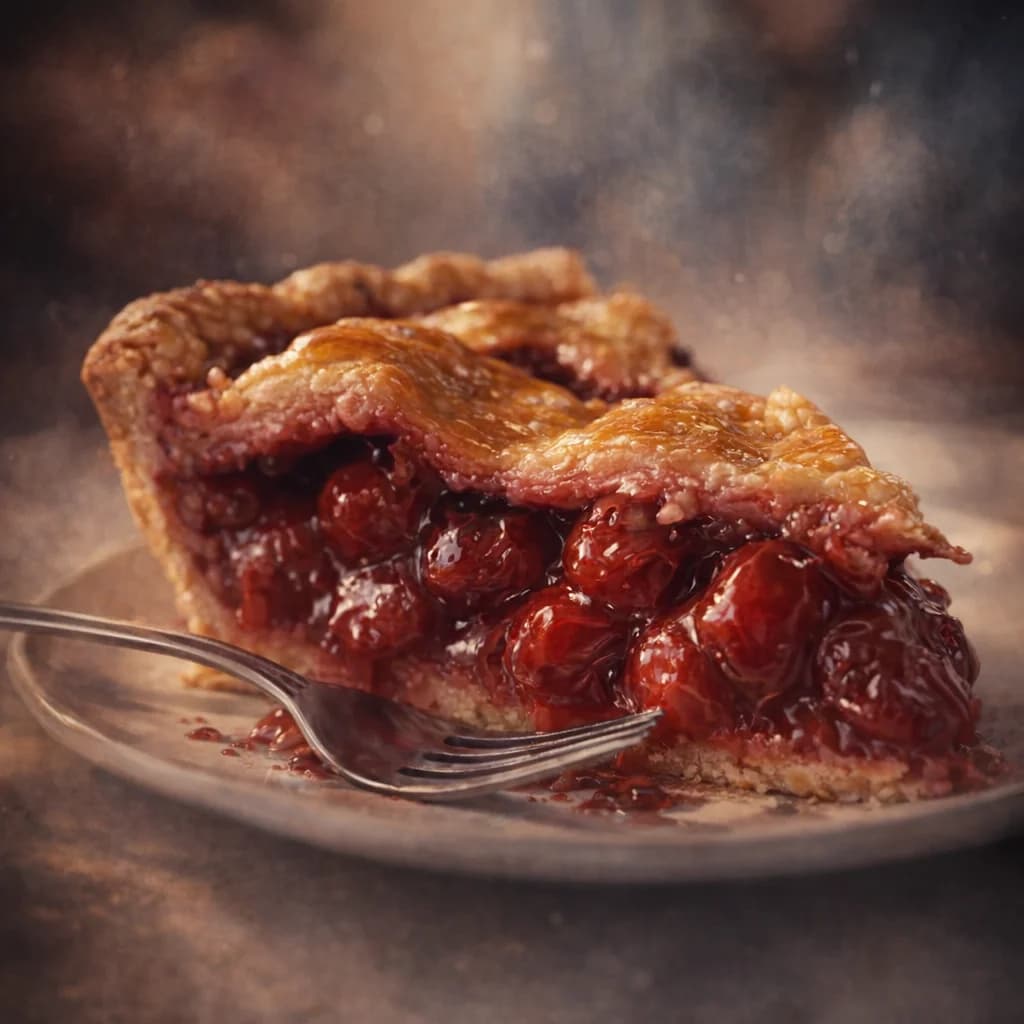
Creative control with AI
Use the Creativity slider to explore different visual styles, and the Resemblance slider to control how closely the result tracks your original. Perfect for stylized content, concept work, or AI-driven exploration.
Start upscaling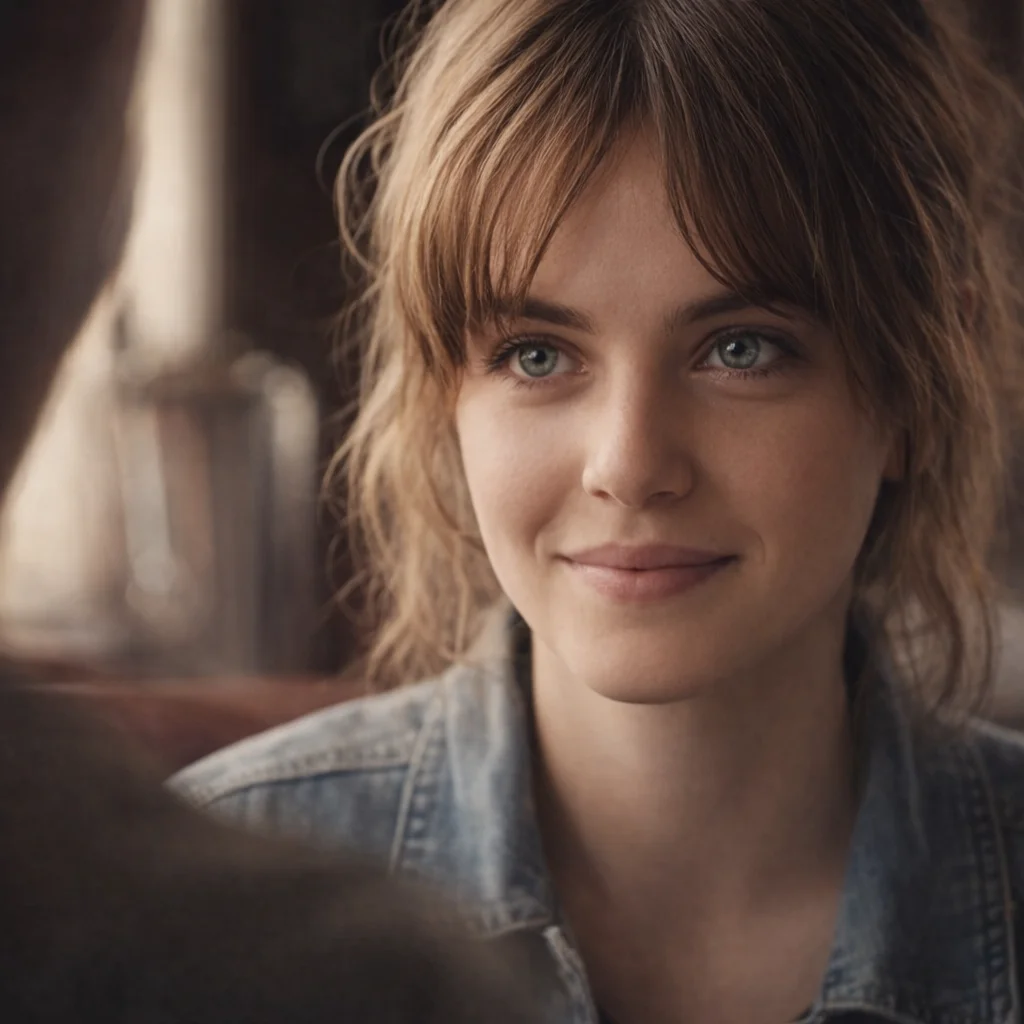
Fast, clean upscaling
Use the classic model to quickly improve resolution and quality — the easiest way to sharpen compressed, low-res images. Great for everyday fixes, then send the result straight to the image editor for the finishing touches.
Upscale an imagePricing
One plan can run your whole AI workflow.
Start at $9/month with 2,000 credits across chat, images, video, voice, music, avatars, editing, and upscaling. Upgrade only when you need more monthly volume.
Basic
A simple plan for trying Oakgen
Fixed monthly capacity included with this plan
No difference compared to monthly
Unlimited & Free Gens
- Nano Banana 2
- GPT Image 2
- Kling 3.0
- No unlimited & free generation models
Plan features
- Parallel generations: 1 video, 2 images
- Access to selected models only
- Limited avatar creation
- Basic voice cloning
- AI music & talking photos
- 7-day media retention
- Priority support
- Discount on extra credits
Pro
20% OFFFor students, work, and personal projects
Fixed monthly capacity included with this plan
Save $48 compared to monthly
Unlimited & Free Gens
- Nano Banana 2
- GPT Image 2
- Kling 3.0
- No unlimited & free generation models
Plan features
- Parallel generations: 3 videos, 6 images
- Access to all models
- Unlimited avatar creation
- Full voice cloning suite
- Celebrity/UGC creator tools
- AI music & talking photos
- Image/video upscaler
- 30-day media retention
- Priority support
- Discount on extra credits
Ultimate
20% OFFFor advanced use across the full platform
Discounted access on selected premium models
Save $48 compared to monthly
Unlimited & Free Gens
- GPT Image300 free generations
- Nano Banana300 free generations
- Kling 3.0300 free generations
- Flux 2.0 PRO300 free generations
Plan features
- Parallel generations: 6 videos, 10 images
- Access to all models
- Professional UGC & avatar suite
- Advanced voice cloning + AI music
- Image/video upscaler
- 30-day media retention
- Priority support
- Beta feature access
- Dedicated account manager
- Discount on extra credits
Creator
20% OFFUnlock the full power of AI
Zero-credit access on selected premium models
Save $240 compared to monthly
Unlimited & Free Gens
- Seedance 2.02K50% off · 30 days
- Nano Banana Pro2K30 days unlimited
- Nano Banana 22K30 days unlimited
- GPT Image 22K30 days unlimited
Plan features
- Parallel generations: 10 videos, 20 images
- All models + beta featuresEXCLUSIVE
- Beta feature access
- Full creator suite (UGC, avatars, voices)
- Image/video upscaler
- Extended media retention
- Priority support
- Dedicated account manager
- Extra credit purchases available
Still have questions?
Picking a plan, custom credits, team pricing, billing — we usually reply within a few hours.
Loved by visual creators
One studio, every tool
Your image generations plug straight into the rest of the Oakgen suite — all on one shared credit balance.
AI Image Generator
Create new images from a text prompt
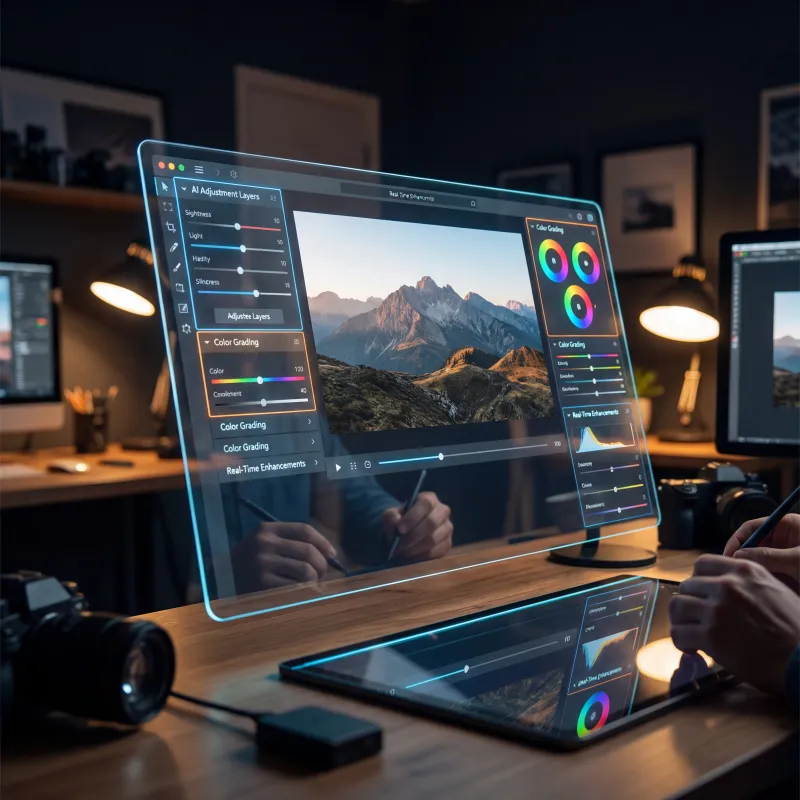
Image Editor
Edit, retouch, and transform any photo
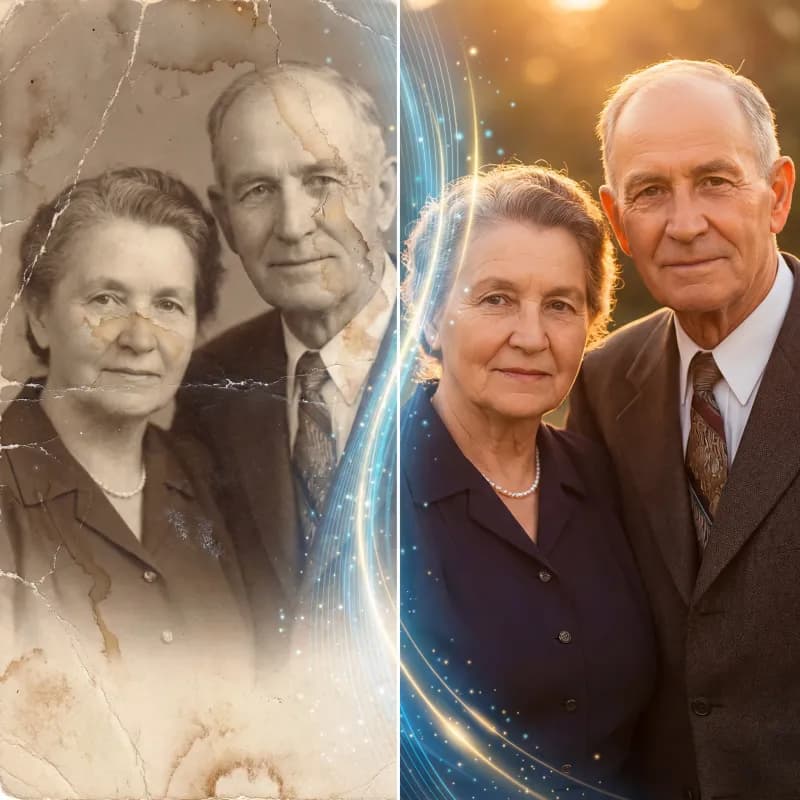
Image Restorer
Restore and enhance old or damaged photos
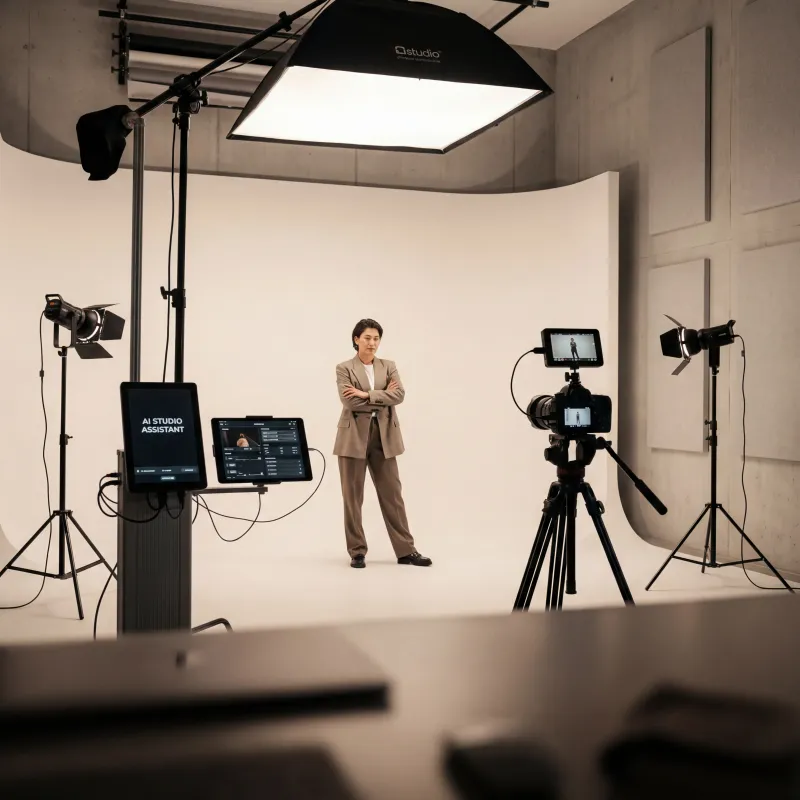
Photo Studio
Studio-quality product & portrait shots
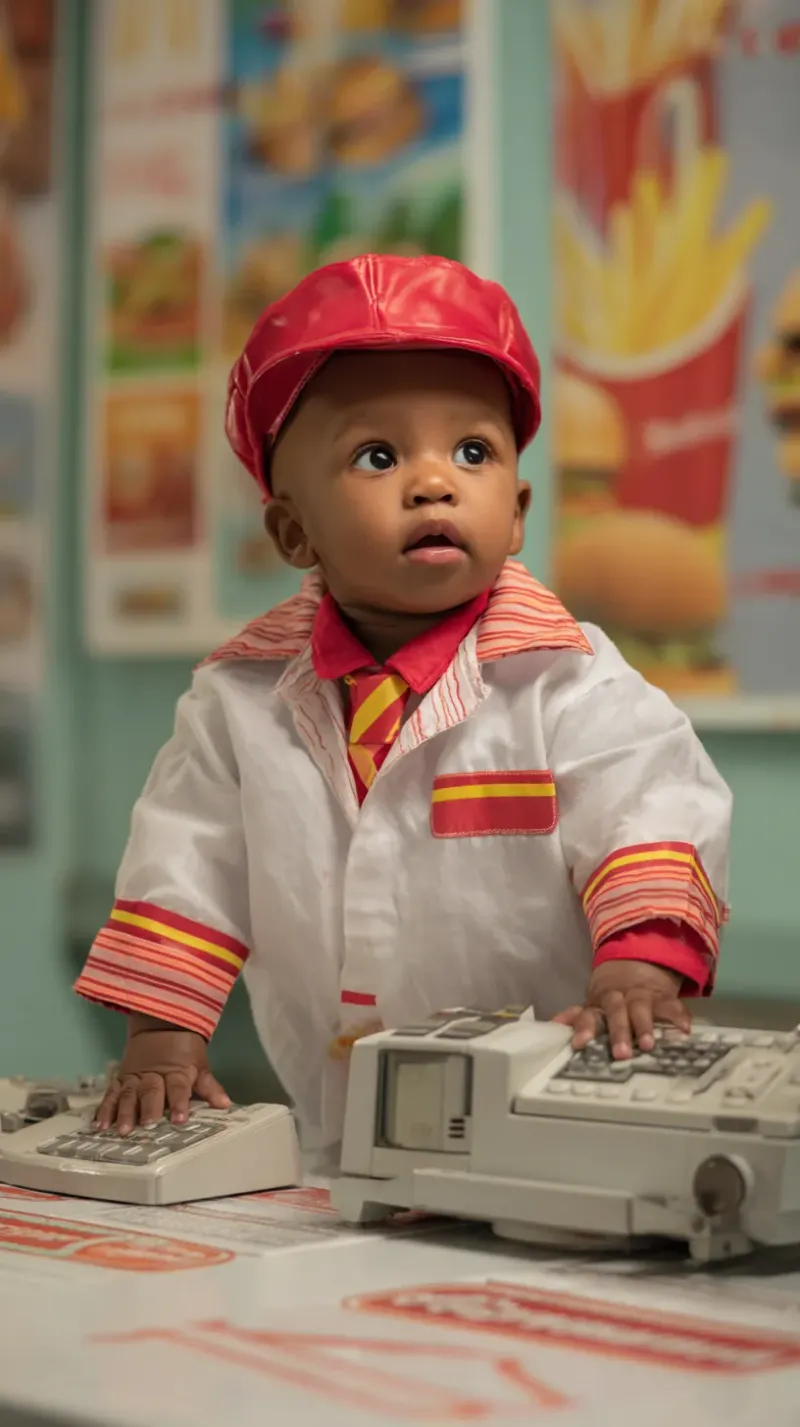
Video Upscaler
Upscale video up to Ultra HD 4K
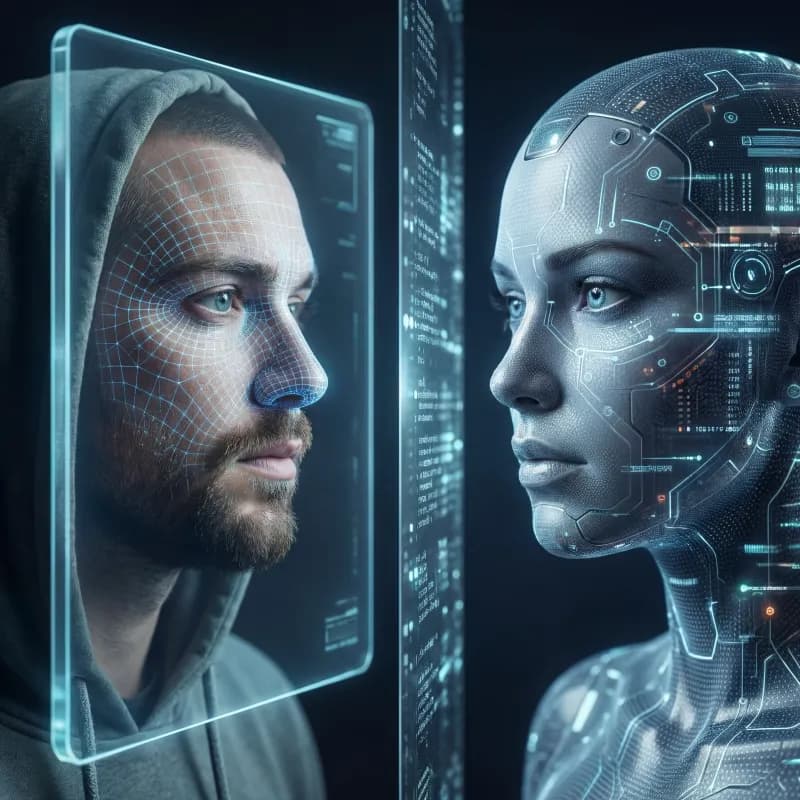
Avatar Generator
Create consistent AI avatars
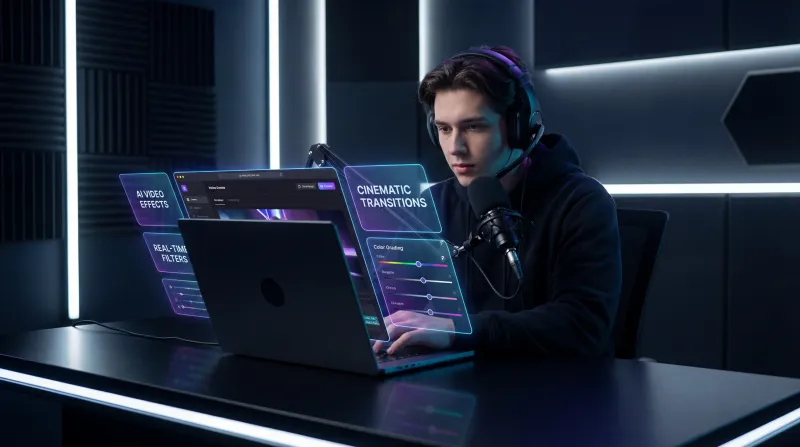
Image Arena
Compare models side by side
AI Video Generator
Create stunning videos from text or images
AI Chat
Chat with 200+ AI models in one place
Explore more ways to create
Frequently asked questions
Everything you need to know about the ai image upscaler.